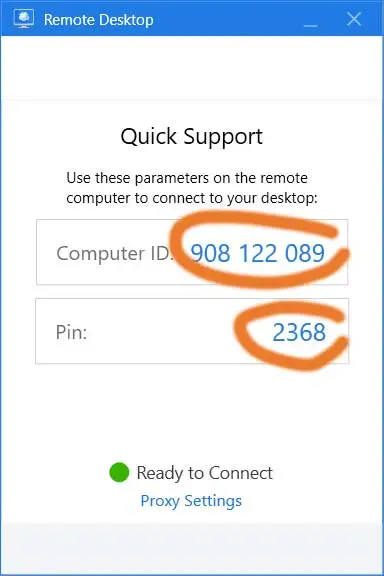
Need help at your computer? Start a support session with the button below.
Instructions
1. Click the “Online support” button.
2. Click “Run” in the box that appears.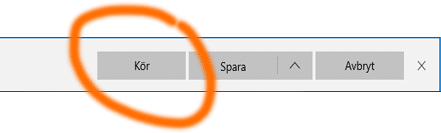
3. Click “Yes” in the next window. If a “Smart filter” box appears, click “Allow”.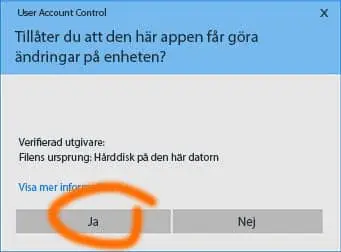
4. Call Responsit on +46 40 12 82 00.
5. Read out the “Computer ID” and “Pin”, and Responsit will connect to your computer.